

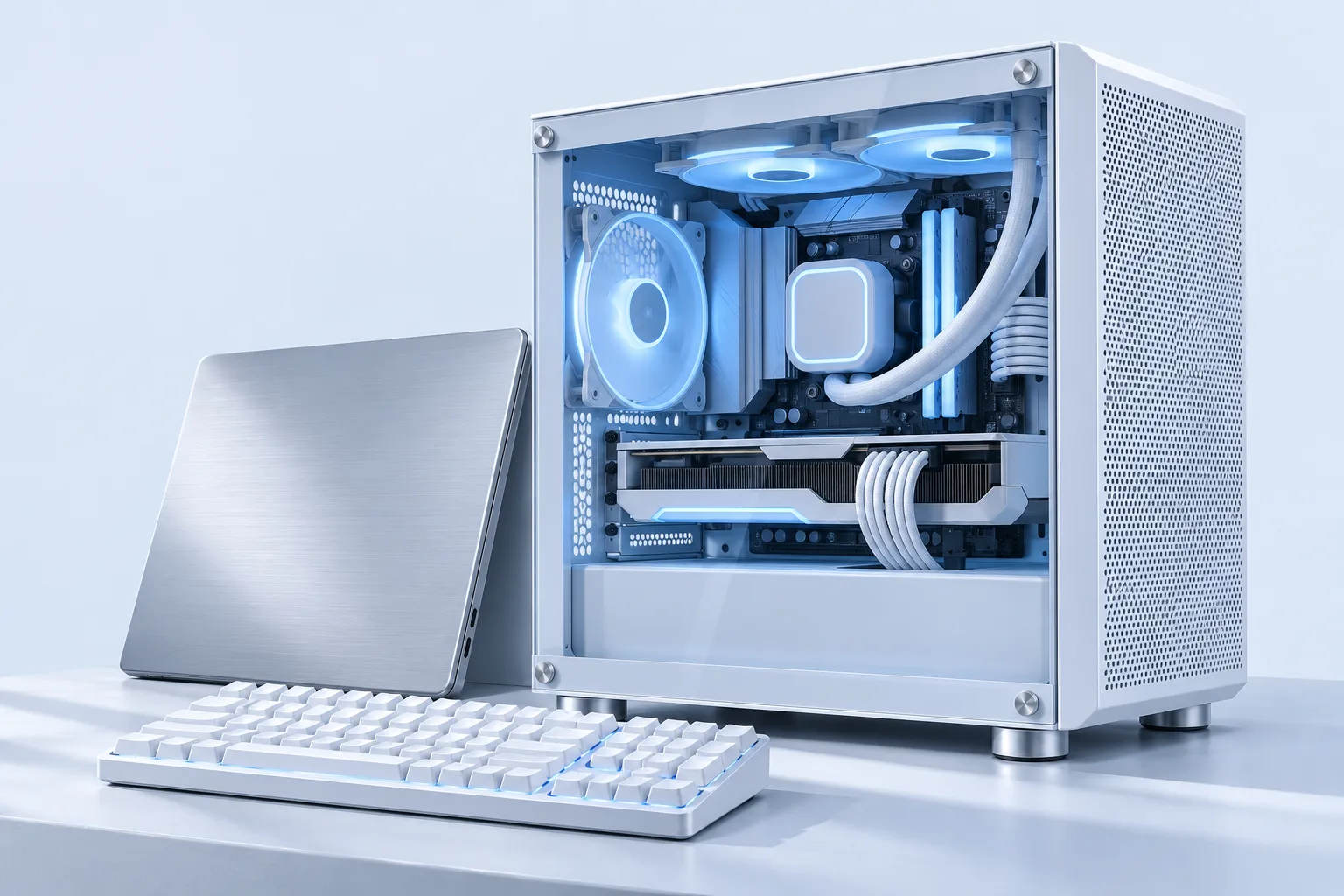
Computers for home.
IT for business.
Choose your next PC, get help with a repair, or discuss the IT your team needs. Start with one conversation.
WhatsApp 011-1607 1026A PC for your day.
Start with what you do. We’ll discuss the specification, your budget and the complete setup.
Read the PC guide ↗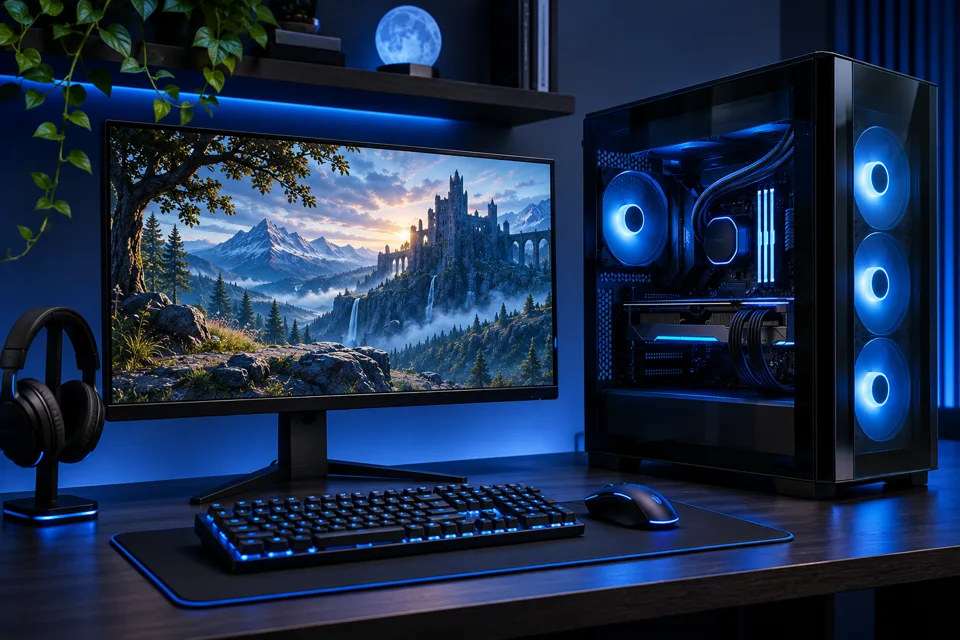
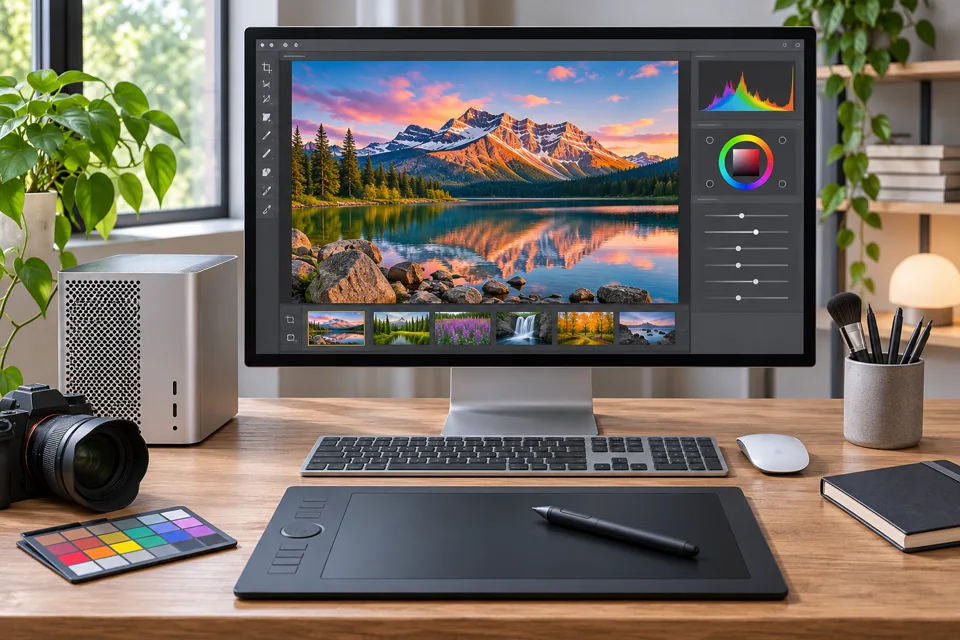
Creative workstations
Match your computer to your editing, design and production work.
Request PC optionsModels, specifications and availability are confirmed with your quotation.
Computer repairs & upgrades.
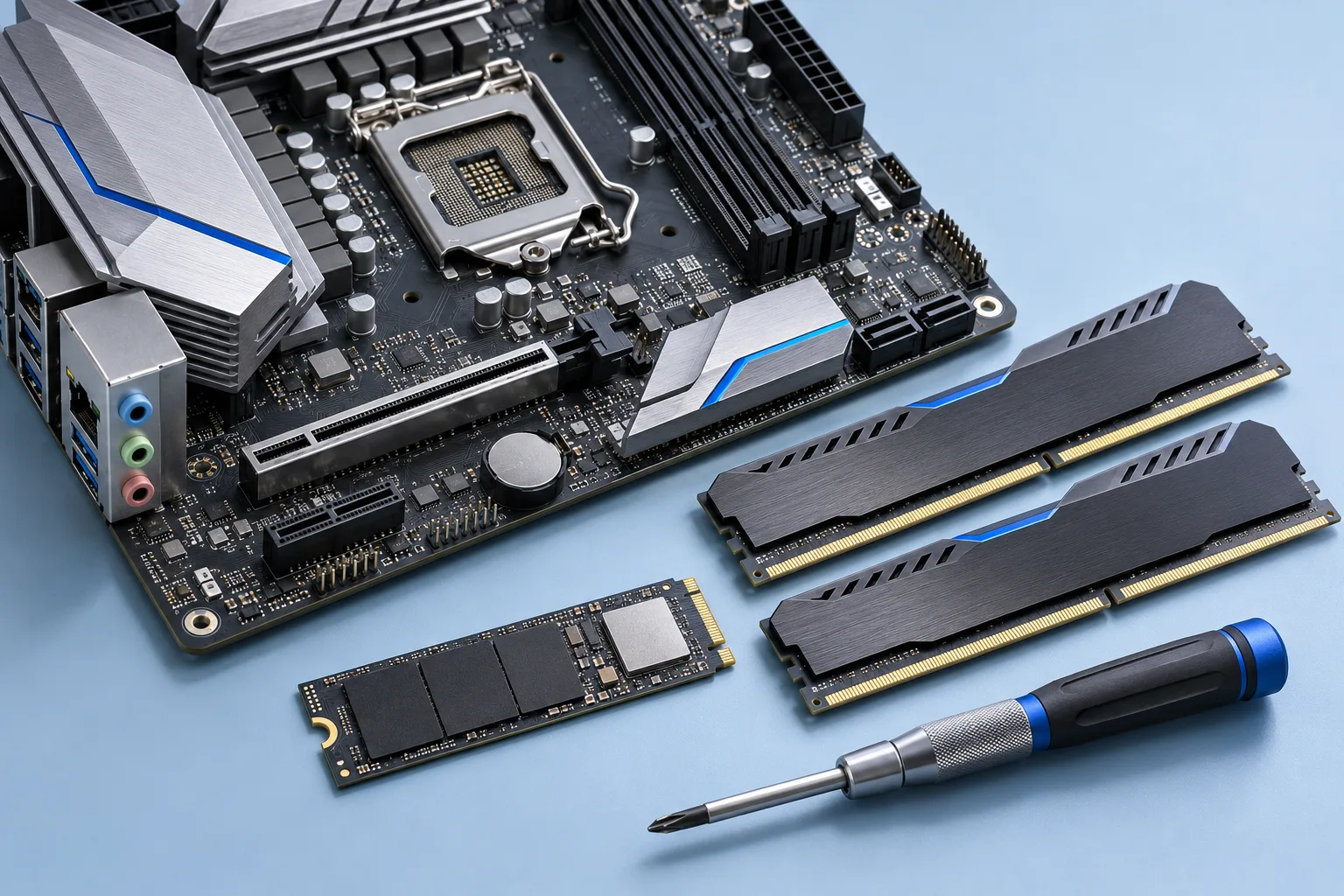
Tell us what happens. You don’t need to diagnose the fault yourself.
Slow or unresponsive
Startup delays, freezing or applications that struggle.
Startup & display problems
A blank screen, an error message or a computer that won’t start.
Heat, noise & shutdowns
Unusual fan noise, overheating or unexpected power loss.
More memory or storage
Discuss suitable upgrades for your current computer.
PC specifications, explained.
Get to know the parts inside your PC. Open any topic for guidance, or send us your requirements.
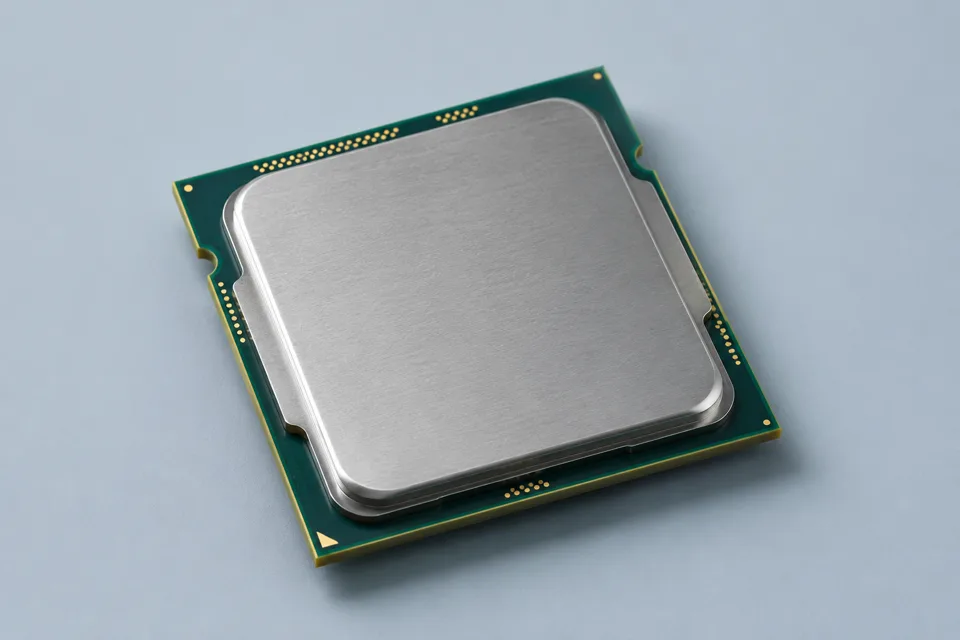
Processor · CPU
What to consider
The processor runs instructions for your operating system and applications. Tell us which programs you use and whether you work on several tasks at once.
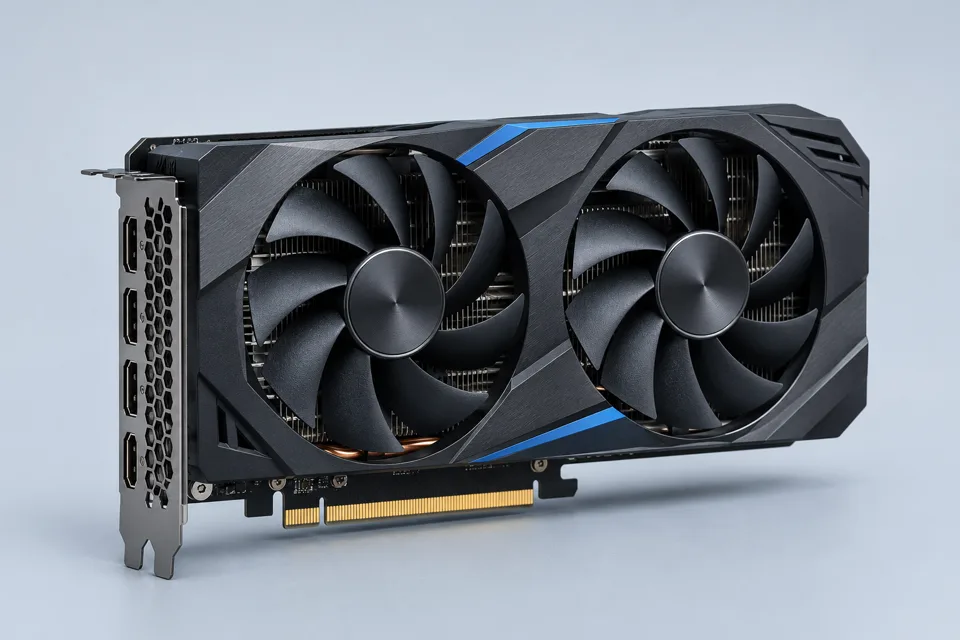
Graphics · GPU
What to consider
Graphics hardware matters for games, 3D work and some creative applications. Include your games or software, monitor resolution and number of displays.
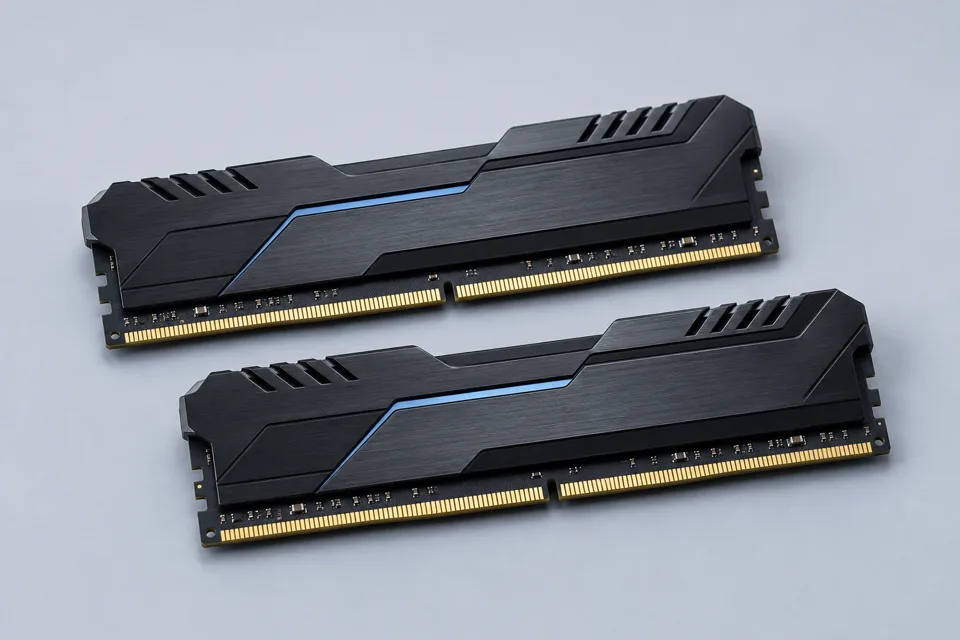
Memory · RAM
What to consider
Memory holds the work your computer is using right now. Your applications, browser tabs and project sizes help guide the amount you need.
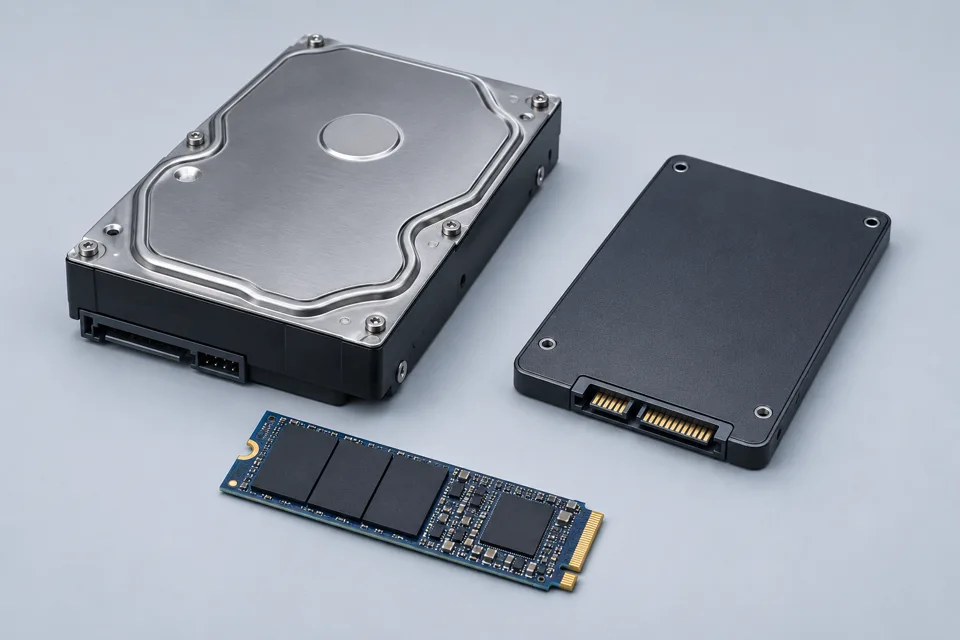
Storage · SSD & hard drives
What to consider
Storage keeps your files and installed applications. Tell us how much you keep, whether you use large media files and if you have an existing drive.
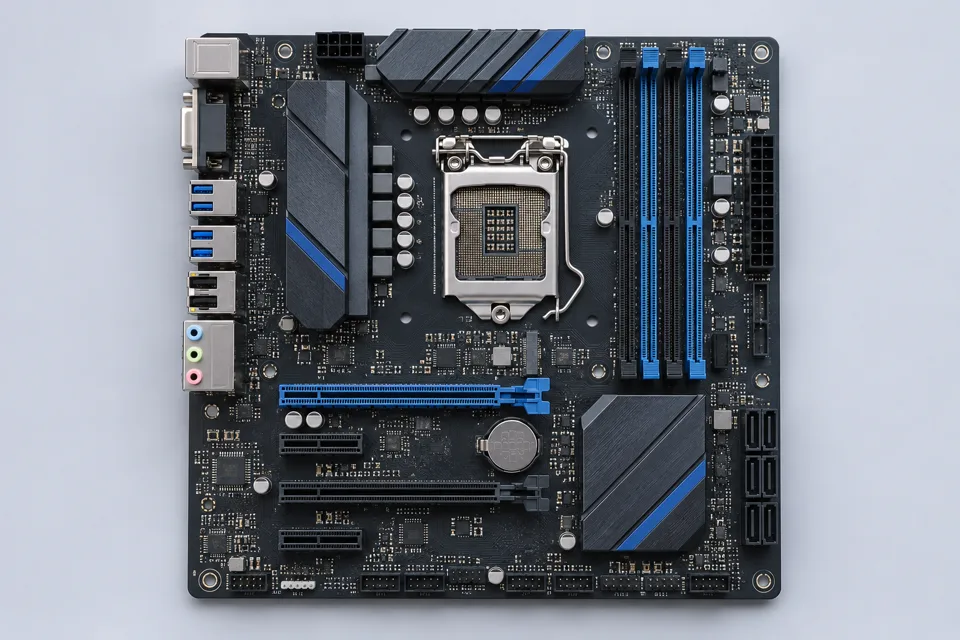
Motherboard & connections
What to consider
The motherboard connects the system's components. Wi-Fi, USB ports, display connections and room for future expansion are useful requirements to discuss.
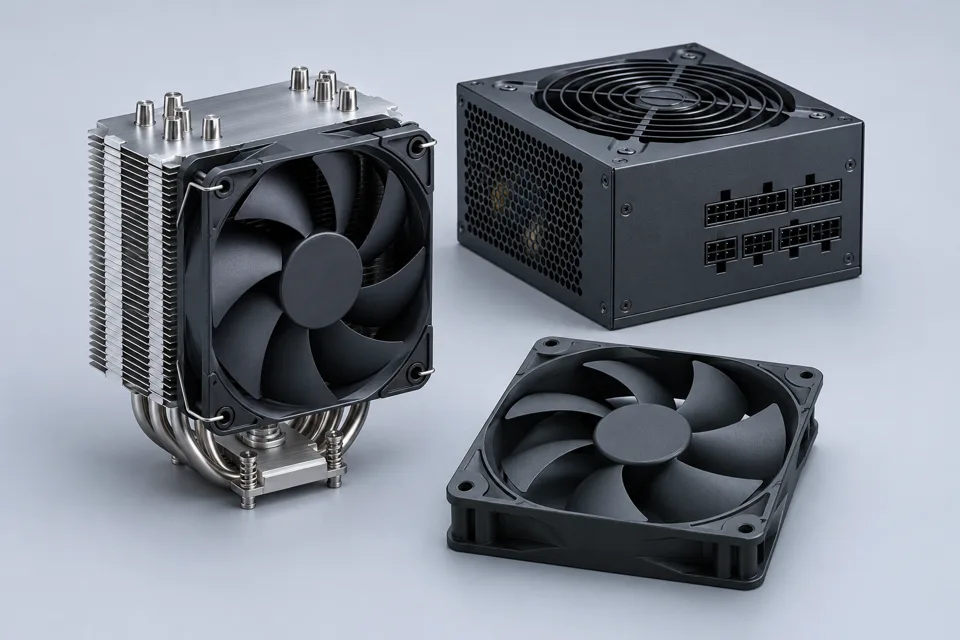
Power, case & cooling
What to consider
These parts must suit the chosen components and available space. Let us know your desk space, noise preferences and any case style you have in mind.
Have a parts list? Send it with your budget and the software you use.
Request PC options ↗Computers for your team.
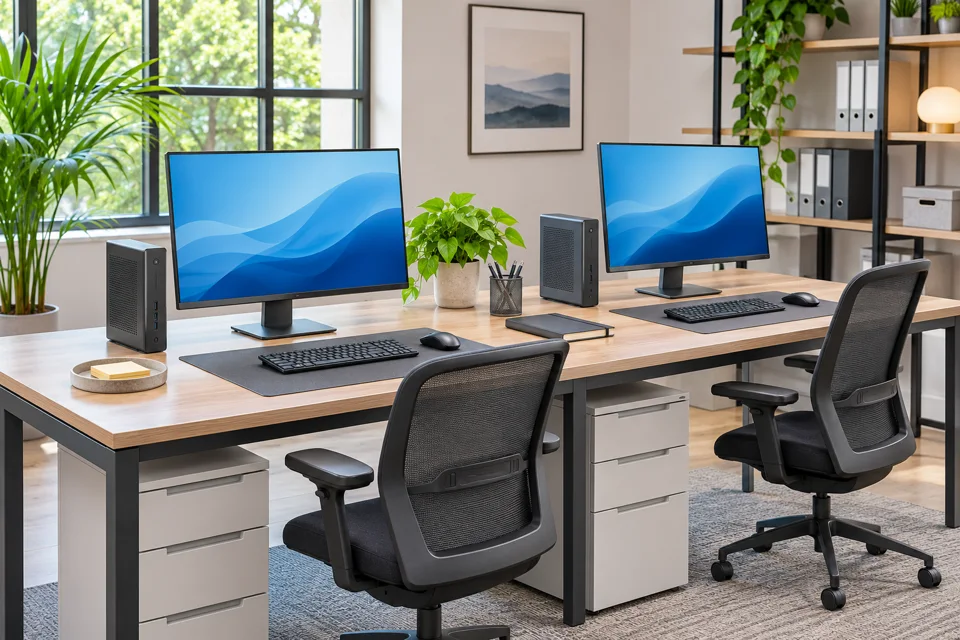
Business IT support starts with understanding how your people work.
Equip the workspace
Office computers, connected devices and the applications your team uses.
Discuss the problem
Tell us what’s affected, how many users are involved and what interrupts work.
Plan the next step
Agree the scope, equipment and arrangements through a quotation.
Before you enquire.
Buying a PC
I'm not sure which computer I need.
That's a good place to start. Tell us your budget, the software or games you use, and whether you prefer a laptop or desktop. We'll discuss suitable options and current availability.
Where can I see prices and availability?
Contact us for a current quotation. Product availability, specifications, service scope and prices are confirmed for your enquiry.
Can I discuss a custom PC or an existing parts list?
Yes. Send your intended use, budget and any preferred components. We can discuss the requirements; the final specification, compatibility and availability need to be confirmed in your quotation.
Repairs & arrangements
How do I request a repair?
Contact us with your computer model and a description of the issue. Photos or error messages can help. We'll confirm the assessment process, any applicable fees and arrangements before you proceed.
Should I repair, upgrade or replace my computer?
That depends on the fault, current specification and what you need the computer to do. Share its age, model and issue so we can discuss the next assessment step before you decide.
How do I arrange collection, delivery or a visit?
Please contact us first. We'll confirm the available arrangements, location and timing directly with you.
Business & quotations
Can I enquire on behalf of my business?
Yes. Include your company name, the number of computers involved and the help you need. We'll discuss the scope and prepare a quotation based on your requirements.
What should I check before accepting a quotation?
Check the exact models, included accessories, service scope, software licensing, any applicable warranty terms and collection or delivery arrangements. Ask us to clarify anything you are unsure about before proceeding.
One place to start.
MMS IT SOLUTION
SDN BHD
PC sales. Computer repairs.
Business IT support.
Tell us what you’re trying to do, what isn’t working, or what you’d like to improve.
Company registration no.
202601044508 (1706603-D)
Tell us what you need
Your intended use, budget or computer issue gives us a starting point.
Discuss your options
Clarify requirements, available equipment and the next steps with us.
Review your quotation
Check the proposed specification, work, price and arrangements before proceeding.
Request a quotation.
A new PC, a repair, or IT support.
Let’s talk about what you need.
Prefer to call? Call MMS IT Solution